
A word cloud is a visual tool that shows words from a text, with the size of each word reflecting how often it appears. The more often a word is used, the bigger and bolder it looks in the word cloud.
After opening your Report, Click "Add" on the upper right corner to add your Word Cloud.
- Select Word Cloud from Chart Selection.
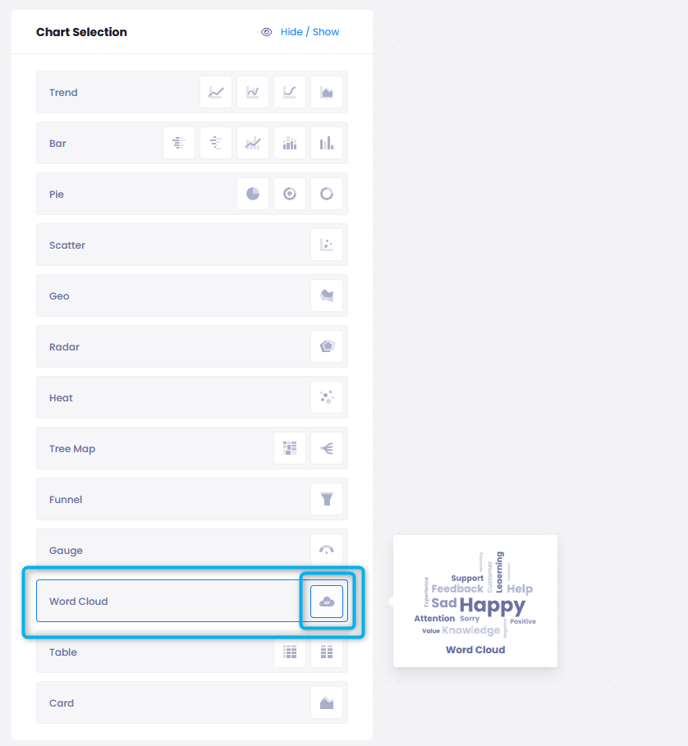
- In the middle, you will see a preview of what your data will look like based on the last 30 days' feedback. There is no need to select additional filters with Word Cloud. It works account-wide.
- You can choose which language to see the words in. You may choose to see them in flow language or translated to english.
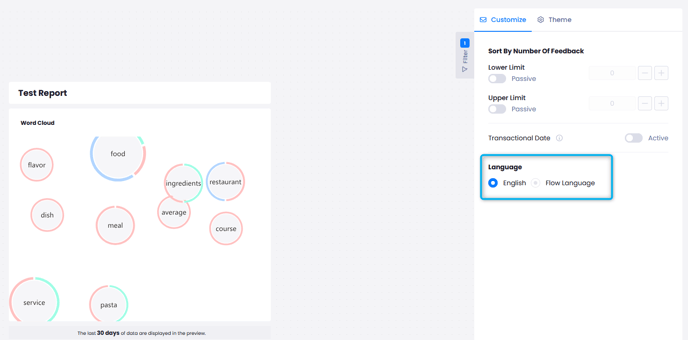
- You can add limits to your data using the Customize menu, or choose the frequency of the data shown in the chart.

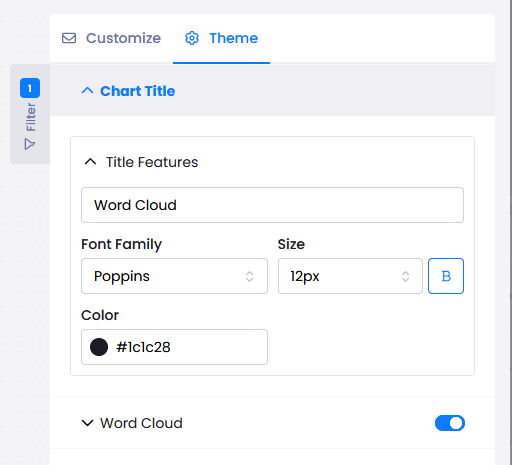
- You can change the appearance of your chart with the Theme menu.
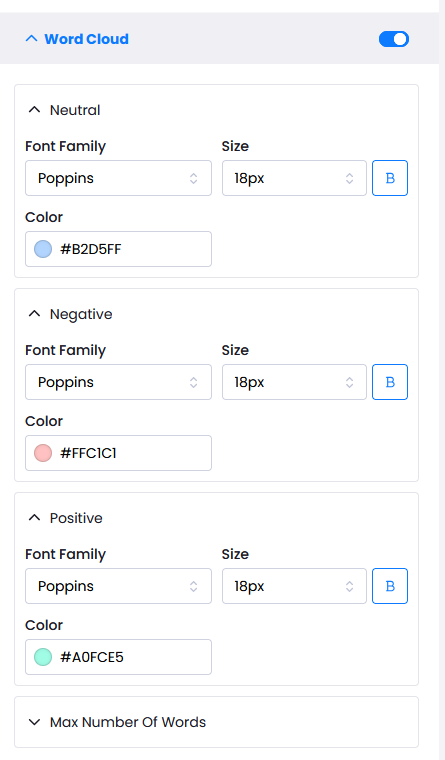
- The Word Cloud toggle allows you the adjust the look of Negative, Positive and Neutral entries.
Your graph will look as below once added to the report.
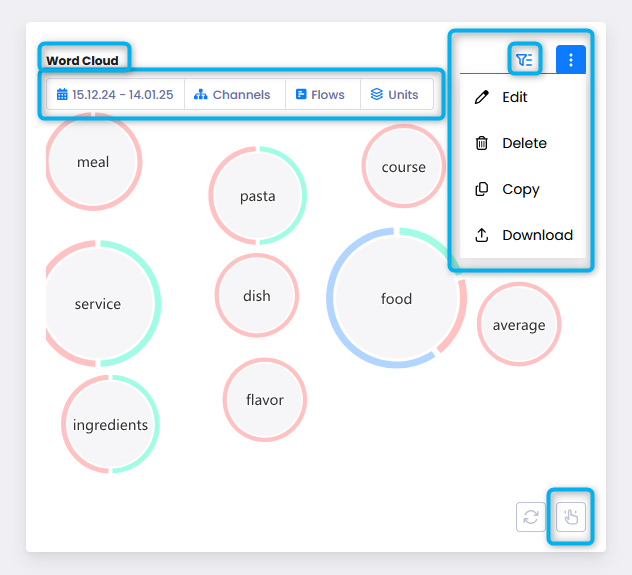
You can select the Filter button on the upper right corner to see Date, Flow and Channel filters spesific to this graph.
You can resize and move the graph around with the lower right button.
You can click on the "Word Cloud" text to rename the graph.