
In Pisano, irrelevant data can be eliminated from the valuable ones in three ways:
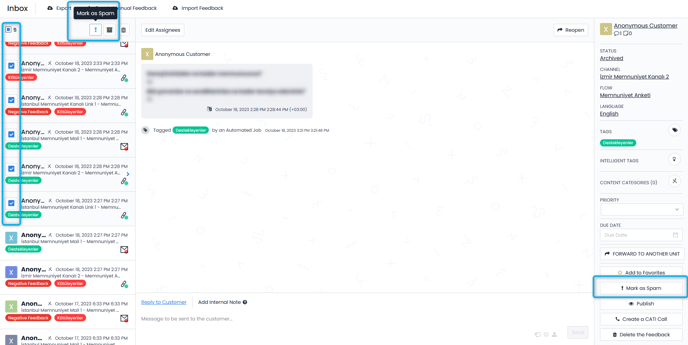
- You can manually label the irrelevant feedback with the spam tag. You may use the "Mark as Spam" button from the right menu for individual feedbacks or may mark multiple feedback as spam by selecting them from the inbox and using the button above it.
- The system automatically spams the feedback based on the rules you set for the slang words in automated jobs.
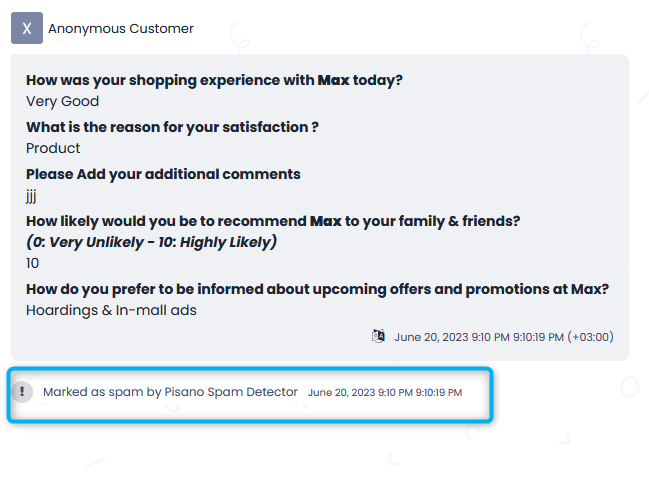
Note: If you think the feedback is not spam, you can remove the spam tag with 'Mark as non Spam' option in the Inbox area.