

From the chart selection screen, click on Line with Marked Lines chart: 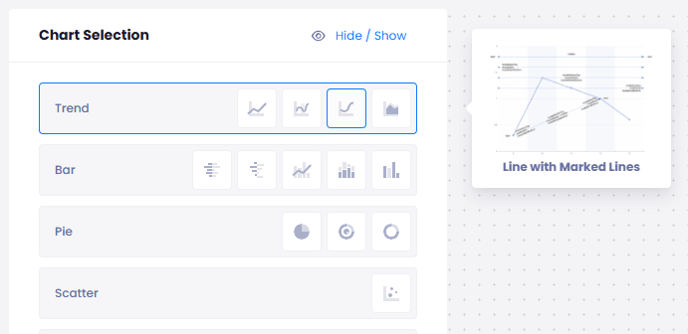
Start selecting Value:
Measurement: You can select Feedback Count, NPS, CSAT, Sentiment Score, Weighted Score and Chat Score
Compare: You can select the comparement as Unit, User, Flow, Customer, Question, Tag, Time Period, Channel, Content Category and Feedback
On Customize,
You can set a lower and upper limit for your graph
You can set the frequency of your analysis:

On Theme,
You can customize your chart by changing the color on X and Y axis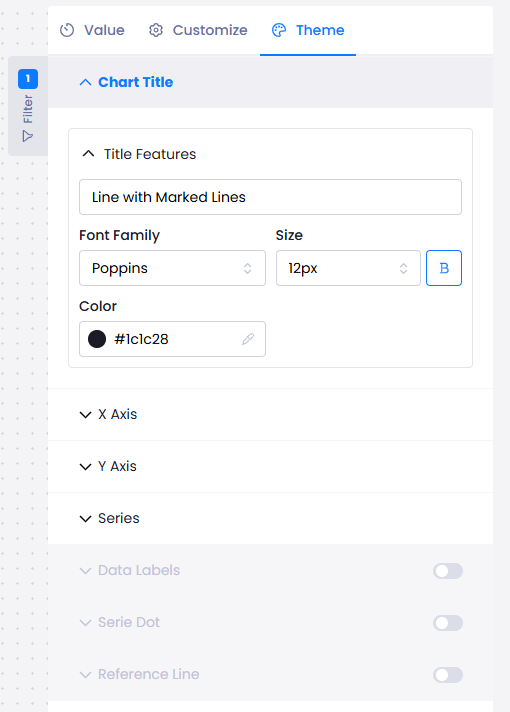
When you want to see your chart, click on Publish on the top right of the screen. Your analysis will be viewed in the Report.