
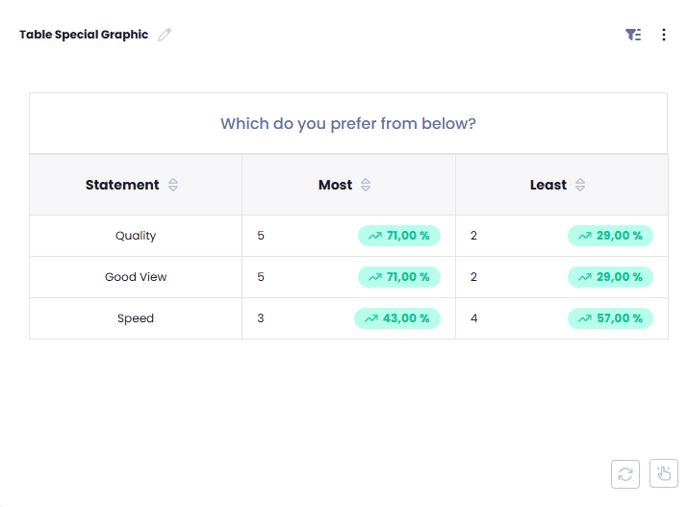
Select Table Special Graphic from the Chart Selection.
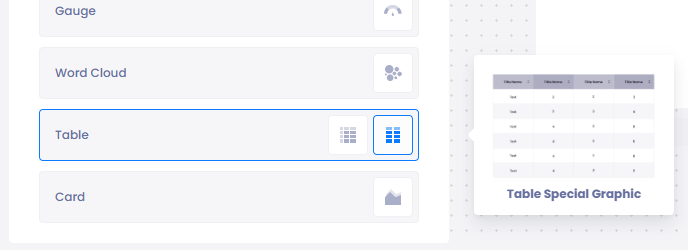
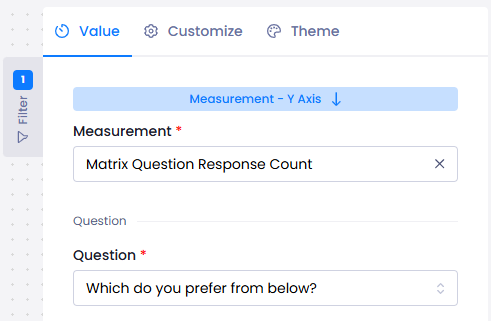
Start selecting Value:
Measurement: you can choose:
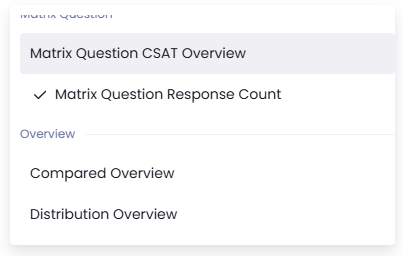
And you can choose a matrix question.
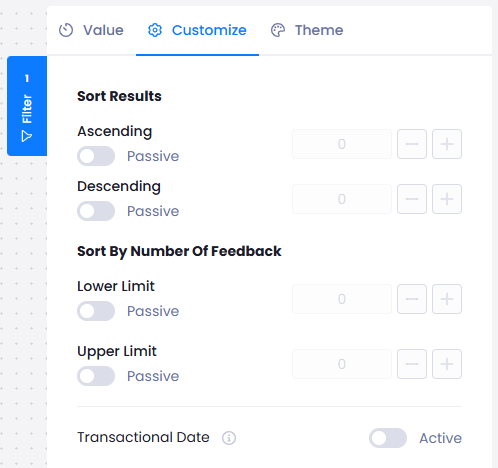
On Customize:
You can show results in an ascending or descending way.
You can also set a lower and upper limit.
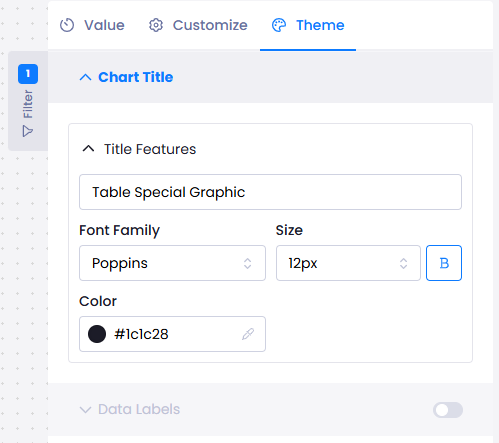
On Theme,
You can select the font and its size.
When you are satisfied with the settings, simply click on the Publish button on the upper right side of the screen to finish your analysis. You can view your analysis on your report.