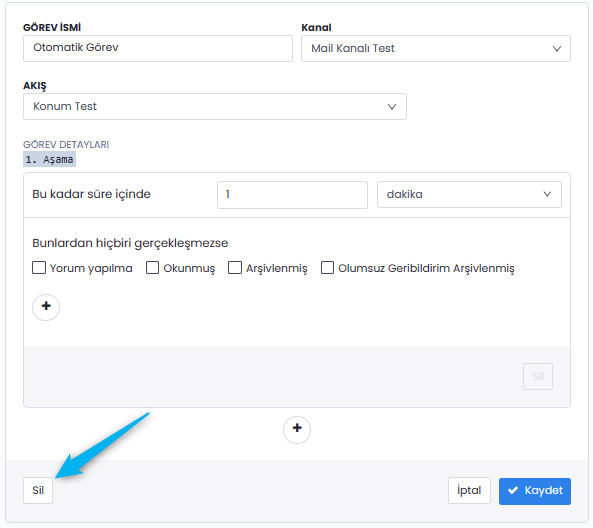
If you believe that the automated tasks you have created are incorrect or no longer in use, you can either delete them or deactivate them. You can reactivate any deactivated automated tasks whenever you need to use them again.
Note: Since you may need to reuse deleted automated tasks, we recommend deactivating them instead of permanently deleting them.
To proceed, simply go to the Automated Tasks page, open the settings (edit) section of the relevant task, and either toggle the active/inactive status from the top-right corner or select the delete option located at the bottom-left.