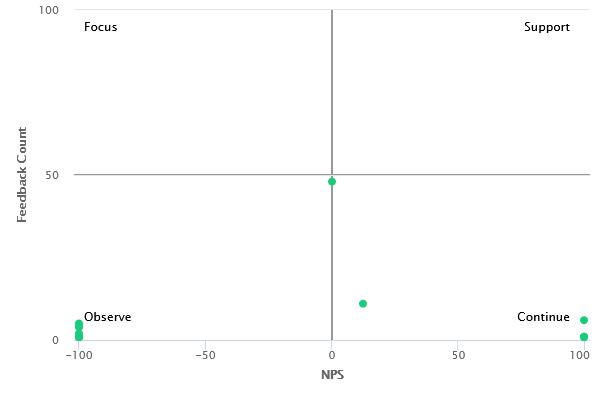
The Quadrant Graph presents the three selected metrics. It serves as a guide in the CX graphics menus and illustrates improvement areas based on the plotted points.
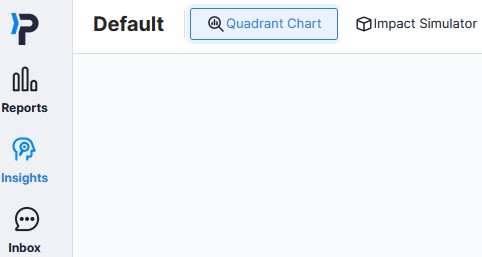
Items to be Selected in the Chart;
Factor: This corresponds to the X-axis and represents the metric being measured or displayed, such as NPS or CSAT.
Result: The outputs are the components being compared. For instance, if CSAT is chosen as the factor, you should select what you want to compare CSAT with in this section. Options include Tag Name, Unit Name, or Flow Name. To further narrow down the comparison area, you can add a Tag Group filter from the Filter section.
Number of Feedback: This part is fixed and does not appear as a selectable option; it is already preselected.
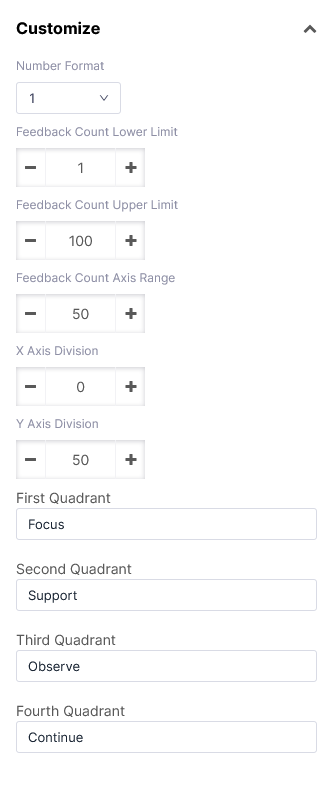
You can specify the format of the NPS or CSAT score, such as Decimal Number, and determine the spacing for displaying Feedback with the Number of Axis Interval. The X and Y Axis Positions allow you to adjust the positioning of the axes on the chart. Additionally, you can set Lower and Upper Limits for the Number of Feedback, and assign names to the four sections in the Quadrant as desired.