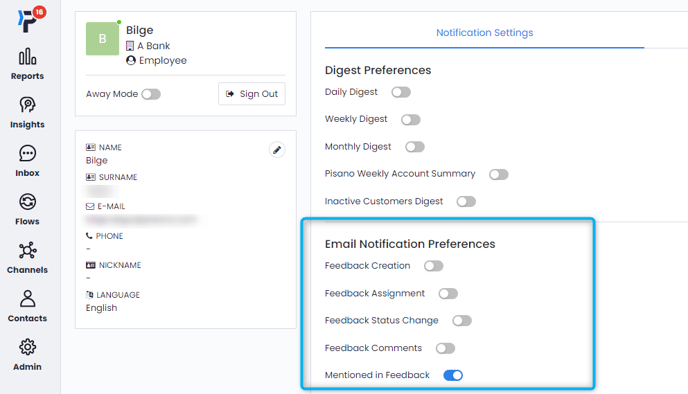
If you have received an email notifying you of a feedback assignment, that means your email notifications are active.
If you are not already logged into your Pisano account, click the 'Take me to feedback' button in the email and you will be taken to the Pisano Inbox.
If you are not logged in yet, you will be redirected to Pisano's login page and then to Inbox.

Leaving your feedback open is essential, especially if you're a front-end agent who needs to interact with customers in real-time. If not, you can change the feedback notification setting from your profile under 'Email Notification Preferences'.