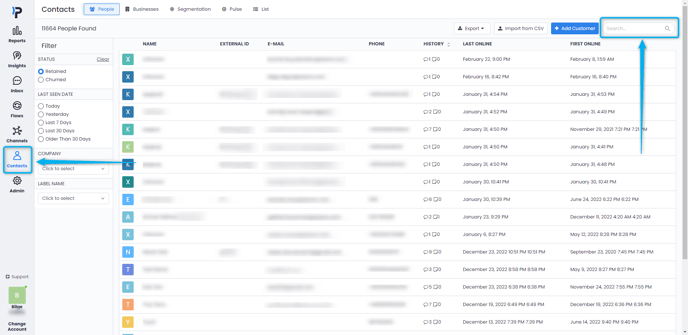
The data of your customers who leave feedback in Pisano is saved under a profile in the Contacts module and Pisano allows you to search these contacts. You can search for contacts using any of the following information.
- E-mail address
- Name
- Phone number
- External ID (such as CRM ID)
- Custom attributes (such as segment, product usage etc.)
-
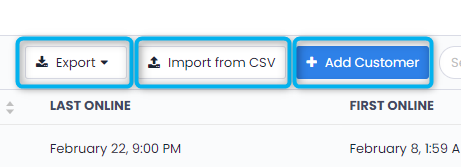
Apart from the contacts created by Pisano, you can add people manually by using the "Add Customer" button. - If you have a client list, you can import it into Pisano using the "Import from CSV" button.
- To download your existing contacts in Pisano, you can click the "Export" button and download them as CSV or Excel files.