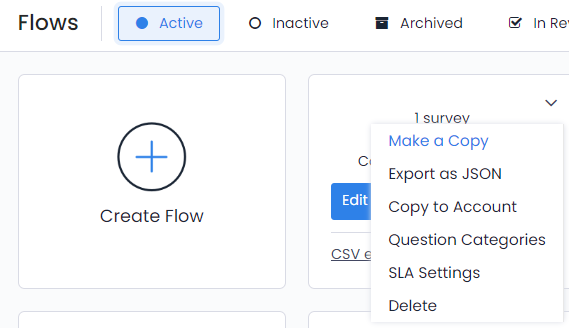
- If you want to receive the survey as a CSV file you should click ''CSV export'' in the lower left side of the flow icon
- If you click ''Create report'' it assigns you to the ''Reports'' page.
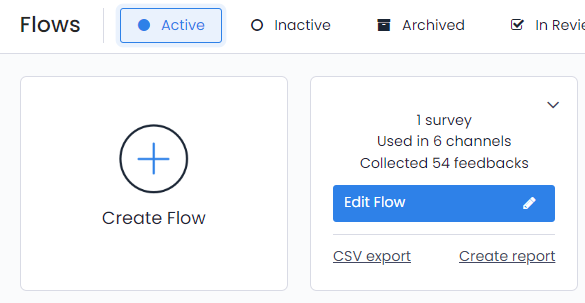
- If you want one more copy of the survey you can click ''Make a Copy'',
- If you want to export and then upload it in another account you can click ''Export as JSON''
- In order to copy the survey to another account you can do it by selecting ''Copy to Account'' option.
- If you want to delete the flow you can click ''Delete''