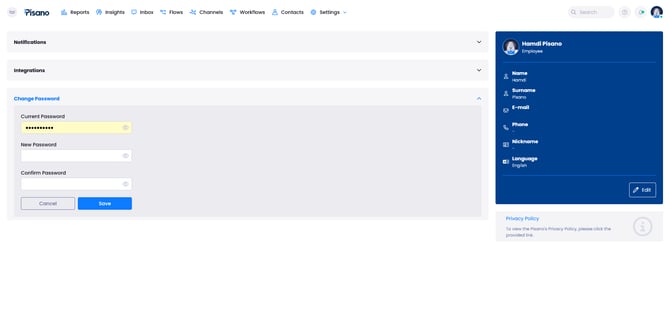
While entering the new password, Pisano will check your password against the following rules;
- At least 8 characters long
- At least one uppercase letter
- At least one lowercase letter
- At least one digit
You need to provide a password satisfying these rules to successfully set a new password.
Please make sure that the provided password in New Password and Confirm Password fields match.