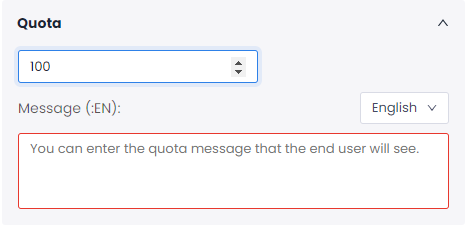
Setting a quota for your flow enriches customer experience research data by adding precision to your sample size and results.
To set a quota:
Flows > Settings > Quota
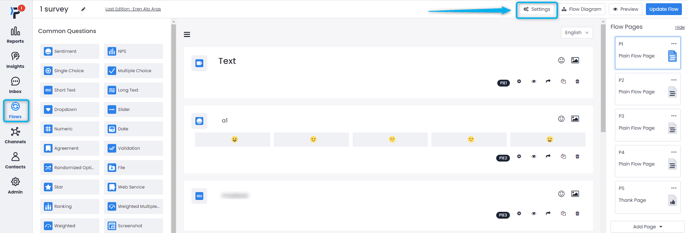
In your flow settings, you can set the number of feedback you want to collect. The flow is automatically retired when you reach the desired amount of feedback.
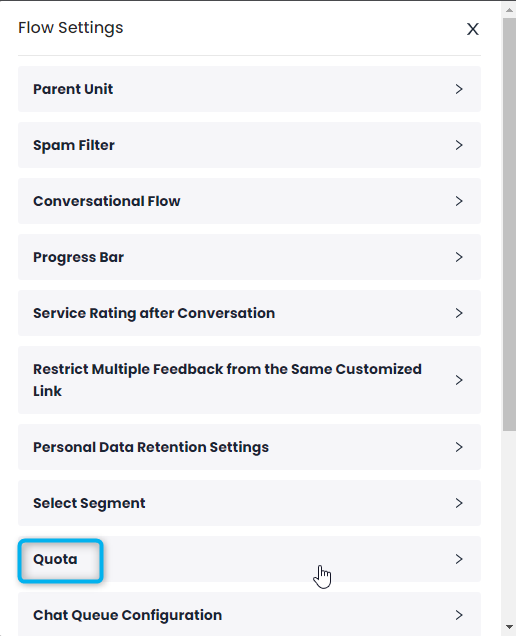
Here, you can determine the maximum number of people who can respond to the flow.
No feedback will be received after the desired amount of feedback has been taken.