
You can see the active/passive automated jobs on Automated Jobs page on Admin module.
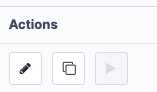 To delete or make a job passive, click on the edit button to reach its settings.
Then you can make the job passive from the top right, as shown in the screenshot below.
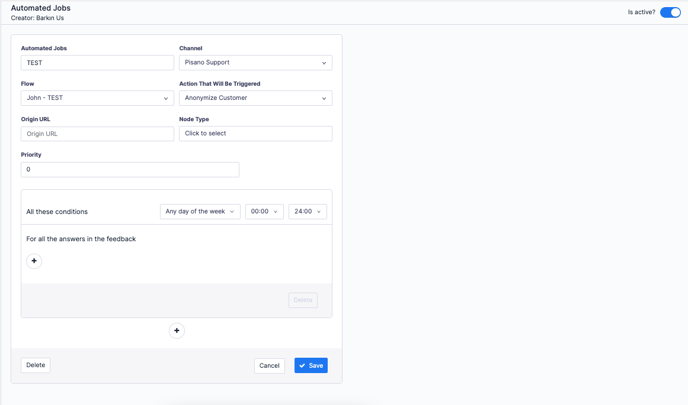
To delete the job, click on the Delete button from the bottom left of it.