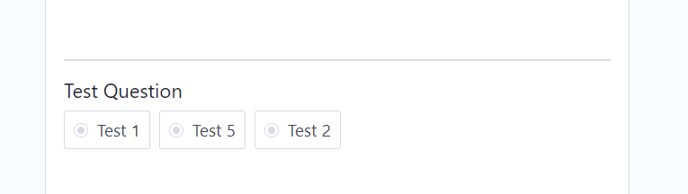
At the points you contact users, you may want to measure their experience with many different questions and listen to them. The Randomized Option Question type is one of these options.
The Randomized Option question type allows you to show your customers the options you add to the question in several different ways.
For example, you can show all 5 options you have added to your question and make their order appear different for each customer. Or, you can choose to see 3 randomly selected options from the options you add to the question.
You can add Randomized Option Questions to your flows by following the steps below.
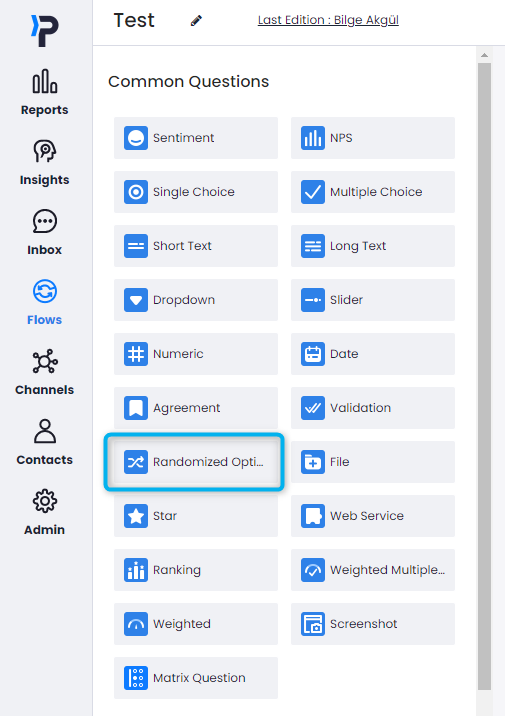
- Select the Random Choice Question type from within your flow.
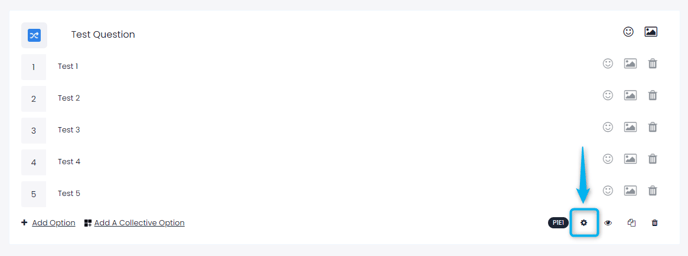
- Add your question and options. Then enter the question settings.
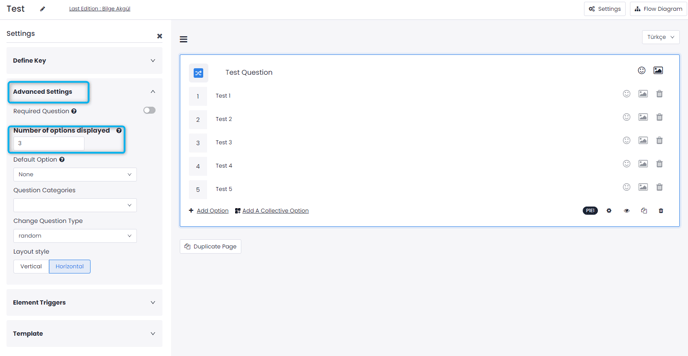
- Select the number of options to be displayed from the Advanced Settings as desired.
- Your question will appear in the flow as follows.