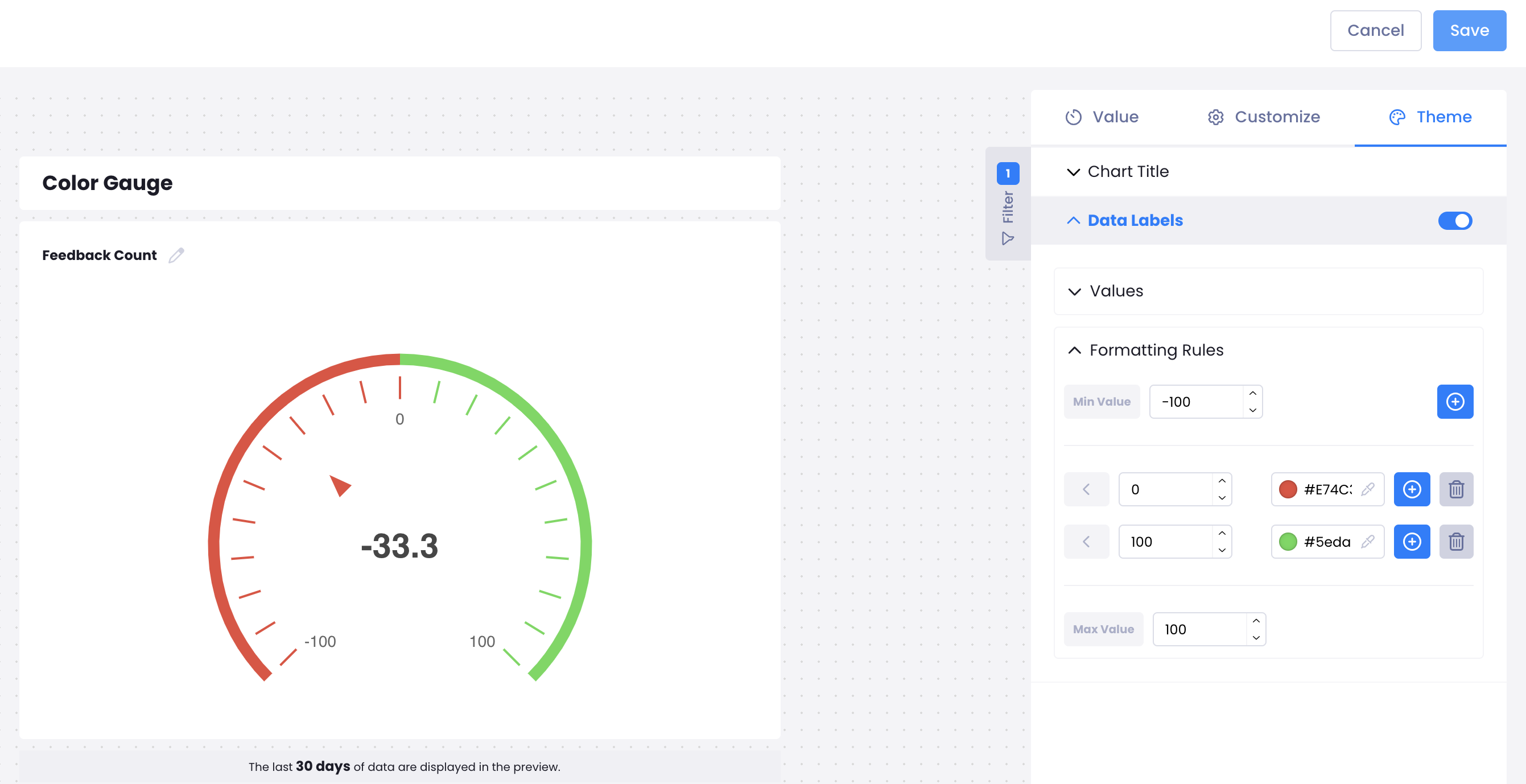
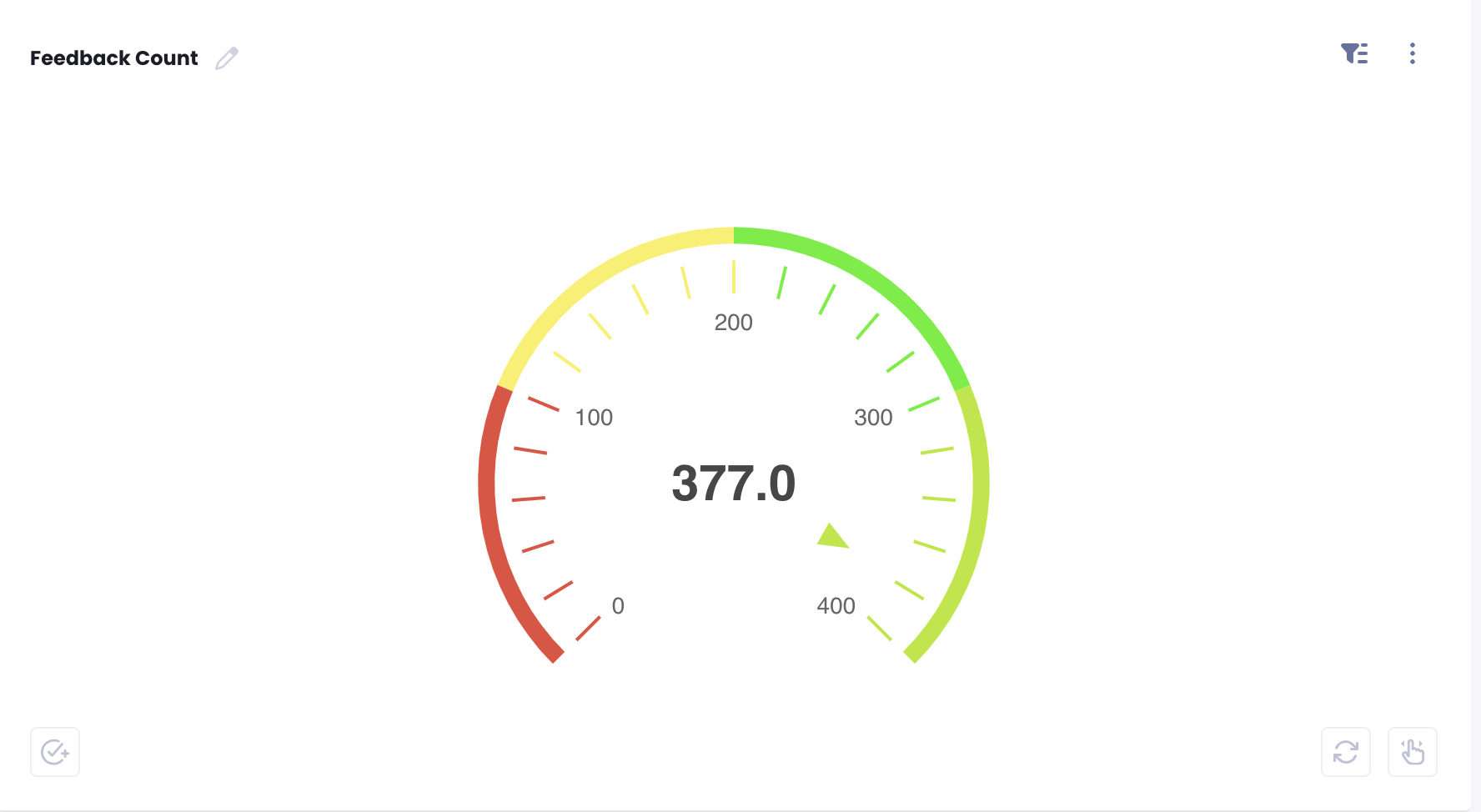
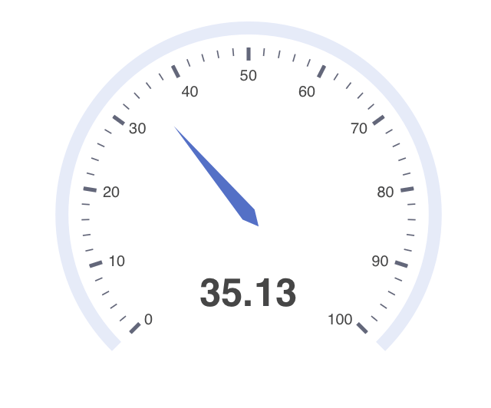
This chart provides a quick, easy-to-read overview of survey results, making it ideal for monitoring progress and making decisions based on survey performance.
After opening your Report, Click "Add" on the upper right corner to set up your Pie Chart.
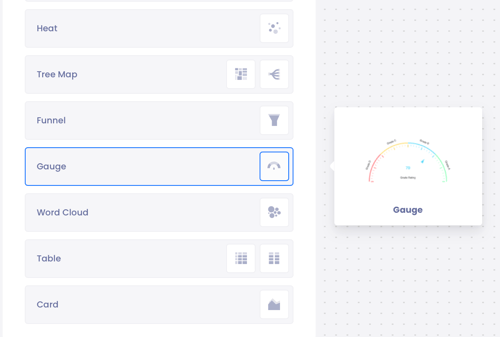
- Select Gauge Chart.
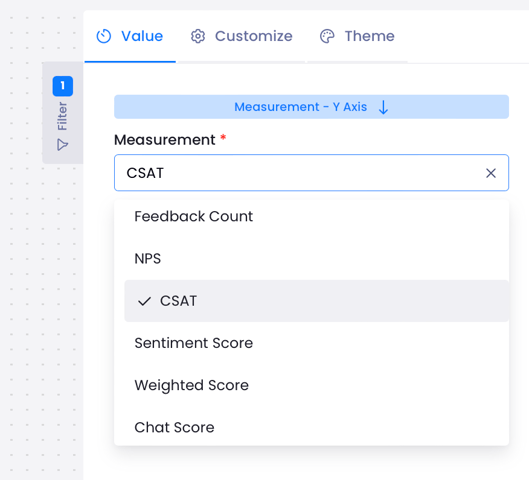
- From the right-hand menu from Measure select which metric you want to measure.
In the Theme → Data Labels → Formatting Rules section, ranges can be defined and different coloring rules can be applied for each range. With this structure, data labels are automatically colored according to the defined rules.
The applied color changes operate based on the rules specified by the user and enable easier visual analysis of the data. In this way, values above or below certain threshold levels can be quickly distinguished, significantly improving the readability and interpretability of reports.