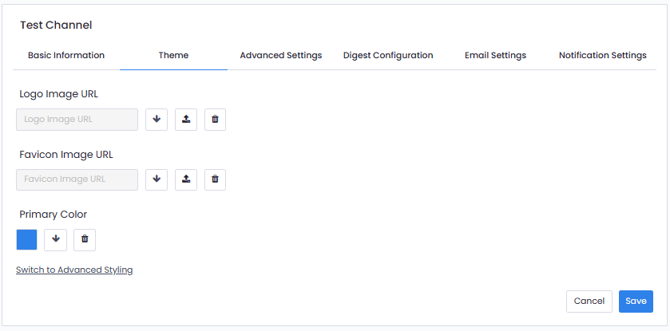
Below, steps are provided to customize your channels using your brand. You can name all your channels on Pisano, use your corporate logos and colors. Additionally, you can change your contact link for each channel. Pisano supports more than 100 languages.
You can change your name from the 'Basic Information' section, the Logo Image, the Favicon Image, and the corporate colors. You can also create themes from the 'Theme' section.