Four measurements and one comparison can be selected.
Based on the comparison choice, multiple selections can be made from the applicable dropdown menus.
Data filtering can be customized as desired using the Filter tab.
With the "Sort by Number of Feedback" options, data can be simplified by setting lower and upper limits.
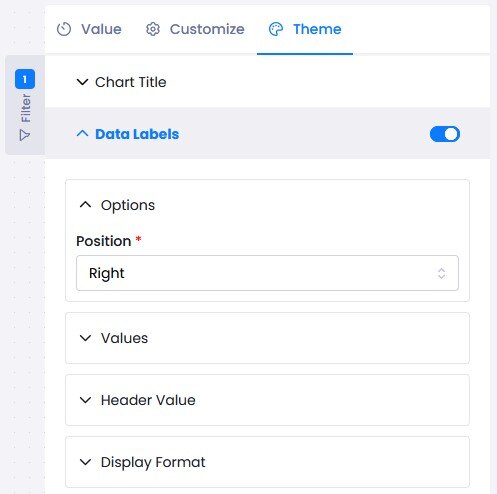
In the Theme tab, the text color, font, and size of the chart and axes can be customized. In the Data Labels category, alignment, decimals, colors, and text styles can be modified.