
Masking in Surveys
Masking plays an important role in ensuring data security and enhancing the reliability of research.
Purpose of Masking
Data Security: Masking may be necessary to protect the personal information of survey participants by concealing sensitive data. This enhances data security and reduces participants' concerns. It ensures the protection of internal company data and allows for data visibility based on employees' authorization levels.
Research Reliability: Masking practices increase the reliability of research results. When survey participants know that certain information is being concealed, they may feel more comfortable and provide more accurate responses.
How is Masking Implemented?
First of all you need to activate the "Masked Question" option in the Advanced Settings of the question you wish to mask.
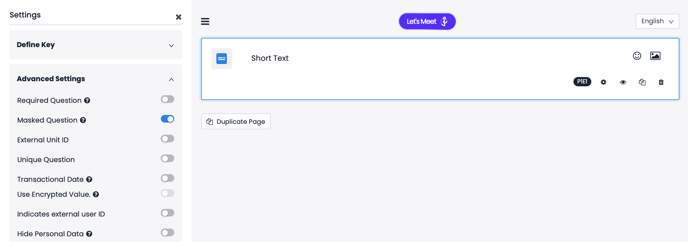
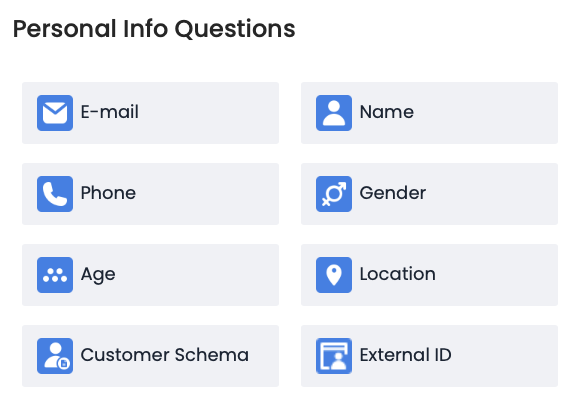
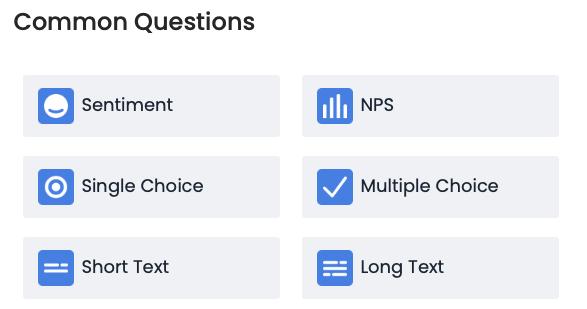
Masking can be applied to personal information questions such as E-mail, Name, Phone Number, Gender, Age and Customer Schemas as well as general questions in including Short and Long Text questions.
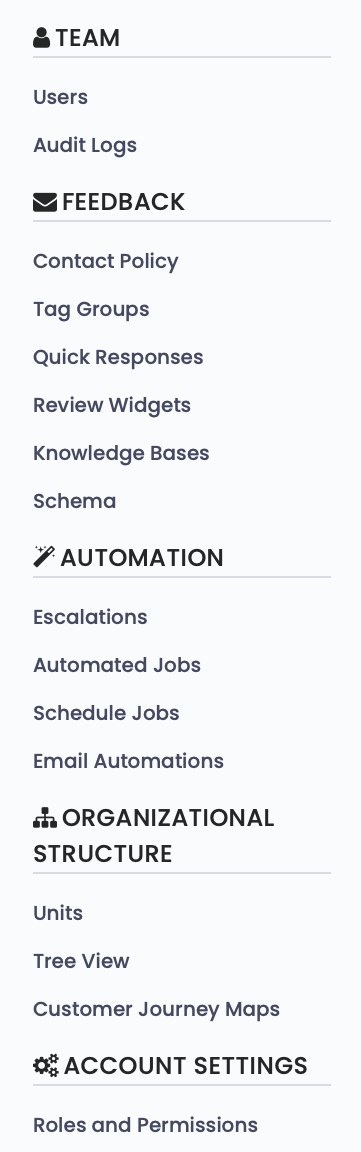
In the second stage, you need to activate the "View Masked Data" option in the Roles and Permissions section under Settings.
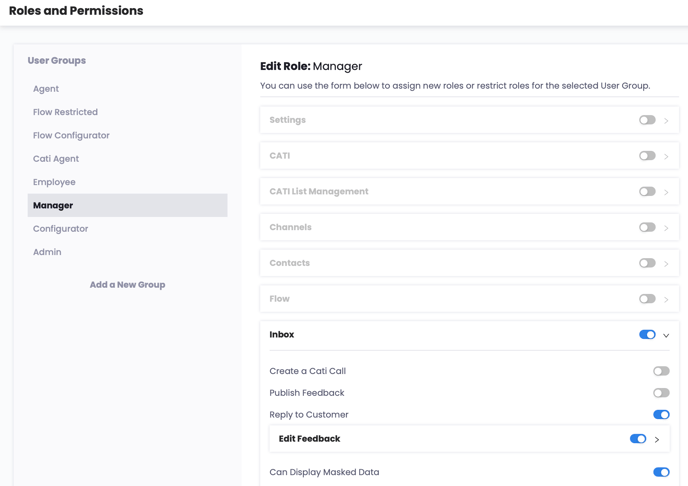
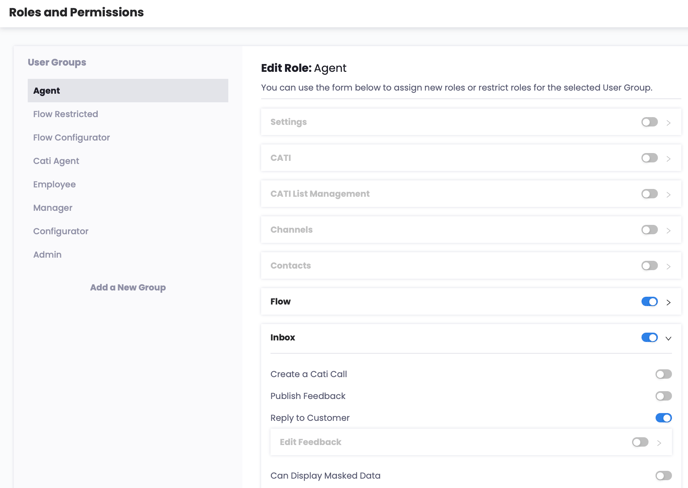
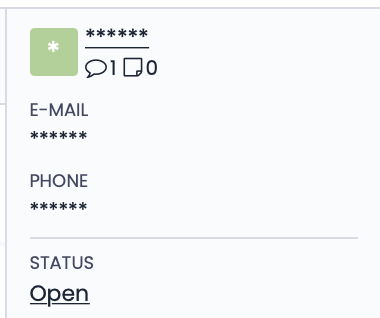
For example, if you grant the ability to view masked data to a user with Manager permissions but not to user with Agent permissions, the Agent will see the data as shown below. Masked questions will appear in feedback as follows.
In the example below, the Manager role has been granted the permission to view Masked Data, while the Agent role has not been granted this permission.
Manager Role:
Agent Role:
Users who do not have permission to view responses to masked questions will see the answers to those questions in feedback as shown below.
.png?width=214&height=142&name=image%20(5).png)