
Example: you can create QR codes based on dealers/shops and distribute them by printing them on posters.
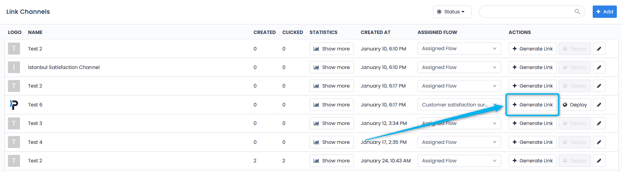
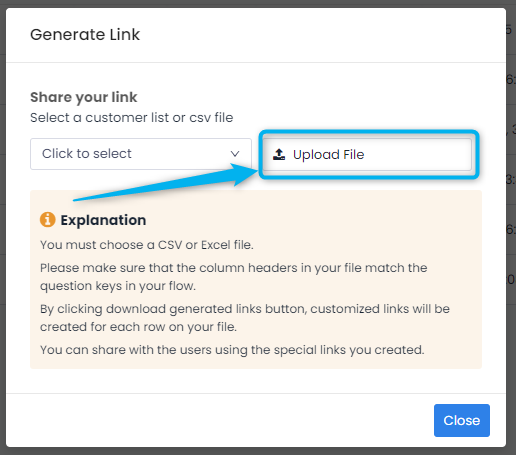
- Creating customized link by adding custom parameters to URL without entering the Pisano interface
- When you want to send surveys to your customers after a certain process within your own systems, you can use this method to create customized links yourself and send them.
- Generating survey links via API (Link sharing): This method is typically preferred for transaction-based surveys. The system triggering the API decides when to trigger it and fetch the link. Once the API is triggered, the link is generated. The system that sends the request decides when to send the link to the customer.