
You can forward the feedback manually or automatically to the responsible department.
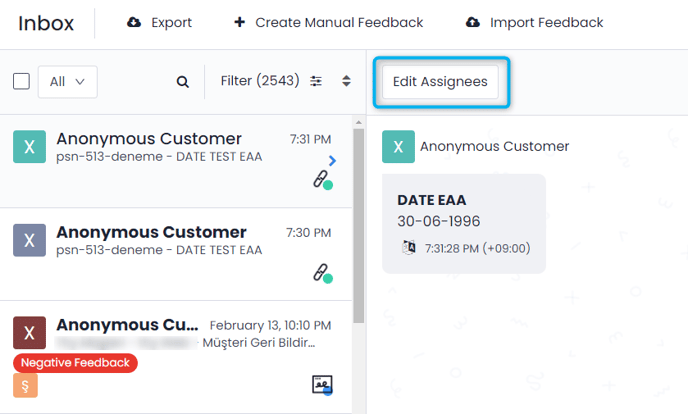
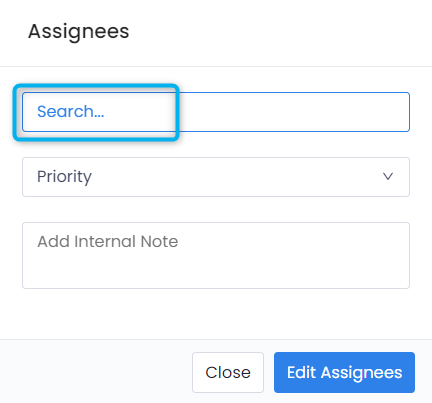
Manually assign the feedback to the responsible department:
- Hover over the feedback you want to assign.
- Click on the “Assign to User” button. Select the one you want to assign from the users that appear on the screen. Sometimes this can be one user, sometimes multiple users.
Assigning the feedback automatically to the responsible department:
If you want some feedback (e.g. Negative Feedback) to be automatically assigned to a specific department, follow these steps:
- Admin module > Automated Tasks > "Assign to User from Actions to Trigger"
It is also possible for the relevant users to be notified by e-mail when the appointment is made from the report settings in Pisano.