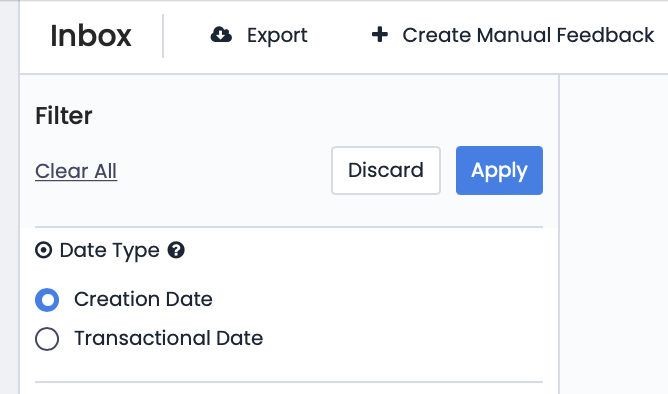
There are two filtering options in the Feedback tab: "Creation Date" and "Transactional Date." By default, when you open the Feedback section, the "Creation Date" filter appears. However, if you wish, you can change the filter to "Transactional Date."
This feature, which can be activated according to user preferences, allows you to filter and report incoming feedback based on an alternative date. A hidden date field is added to the relevant flow, and the "Transactional Date" feature is enabled in the advanced settings of this field. Later, if this date field is included in the feedback transferred from other platforms to Pisano, Pisano allows you to use both this date and the date the feedback was received in the system.
To explain with an example: suppose you send satisfaction surveys to customers after purchases in your store. Customers may respond to this survey on the same day or five days later. To avoid confusion, you transfer the purchase date along with the feedback to Pisano. This way, even if the feedback arrives five days later, it can be reported and filtered according to the transaction date.