
With the file question type, you can collect screenshots, pdfs and many similar documents from people who respond to your streams.
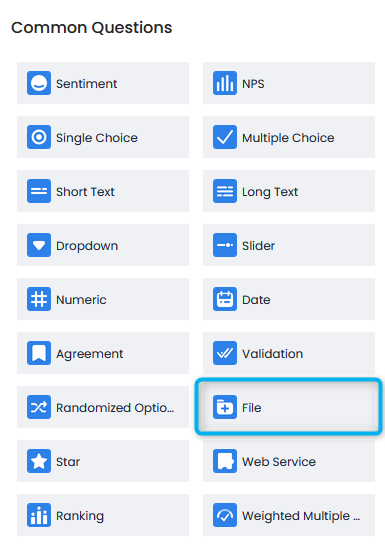
To add this question type to your flow, simply click File from the question menu on the left of the flow creation screen.
The Question will be added to your flow as blank. You can add your question by clicking on the text.
The question will appear in the flow as follows:

File question only accepts image(png, jpg,jpeg etc.) and PDF files.
You can view the question settings by pressing the gear symbol on the question.

Define Key: Allows you to add keys to your question and options, although these keys have many uses in Pisano, they are not mandatory.
Advanced Settings: This is the area where you can configure settings related to the functions of the question.
- Required Question: This setting makes the question mandatory to be answered, the flow will not continue unless this question is answered.
Element Triggers: Allows you to link this question to another question and manage the appearance of other questions to users based on the options selected in this question. It allows you to set a rule, for example, to show a open-ended text question to a person who selects the "Other" option in this question.