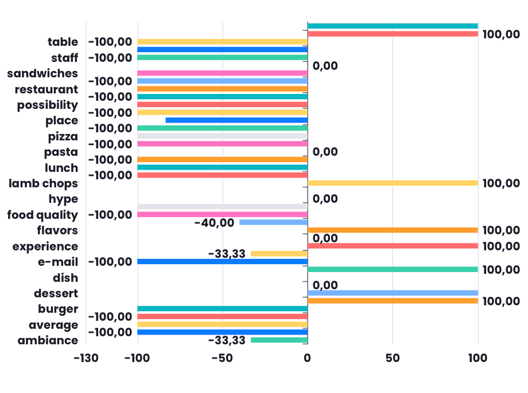
The bar chart shows both positive and negative values on the same axis. Positive values go to the right on the X-axis, and negative values go to the left. This helps to directly compare the two sets of data. The positive bars represent good responses, and the negative bars show bad responses.
After opening your Report, Click "Add" on the upper right corner to set up your Bar Chart.
- Select Bar Chart > Bar With Negative Value.
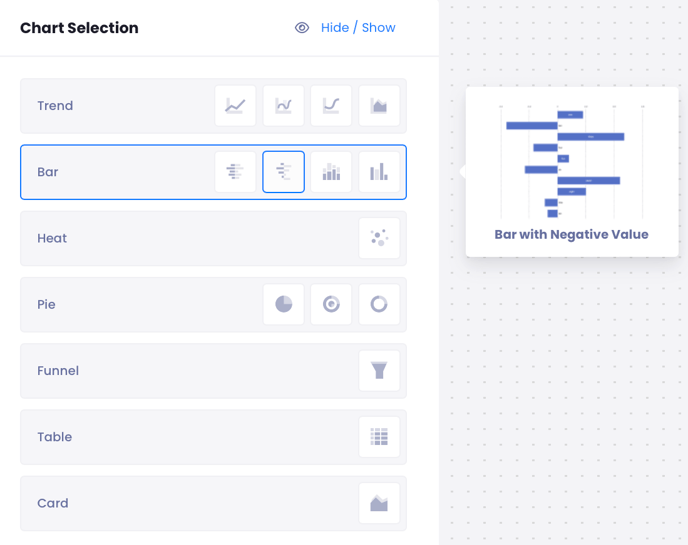
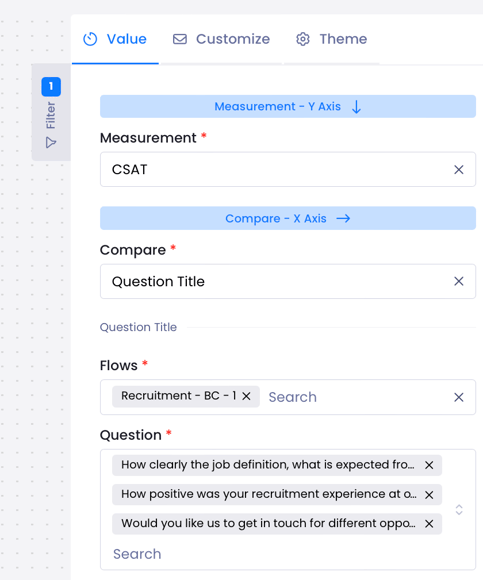
- From the right-hand menu from Measure select CSAT.
- Select what you want to, for example, if you want to compare Question select Question Title,
- Then select Flow and Questions.
You can make measurements like NPS by flows or Matrix Question by channel with this chart.
The example below shows compare of intelligent tags.