
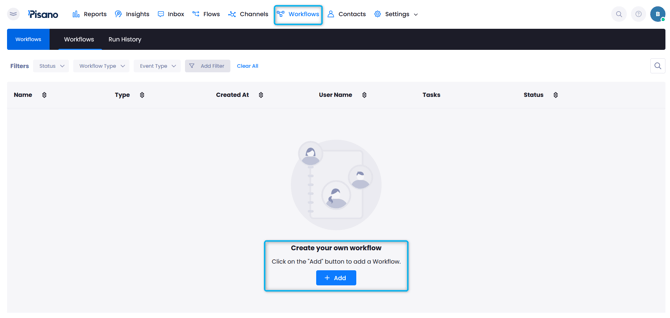
- Go to Workflows and Create Your Own Workflow > Click "ADD,"
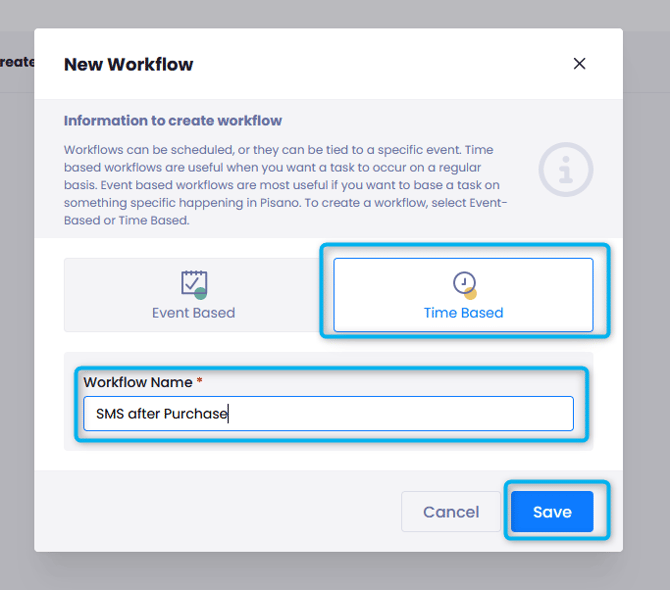
- Select "Time-Based."
- Name your workflow.
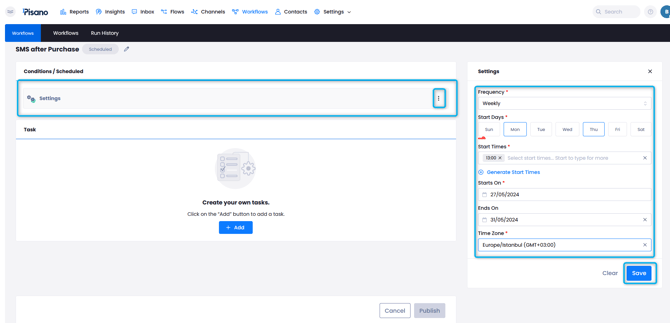
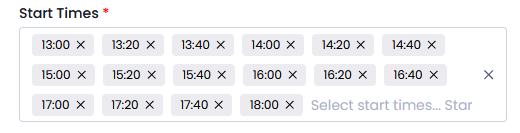
- From Settings determine your Frequency (yearly, daily, monthly, weekly), Start times, Start/End dates and Time Zone.
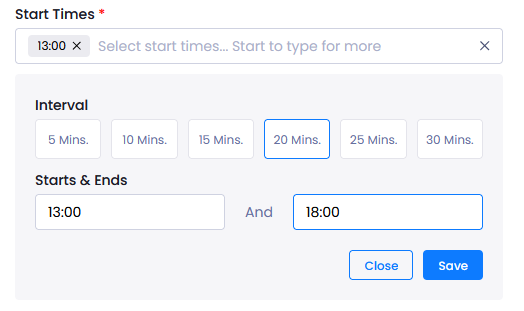
For start times that occur at intervals, you cna use the "Generate Start Times" button and select your interval. Pisano will create the times for threshold you have selected.
- Then click "Add Task" and select SMS Campaign > Choose the target audience.
-
Select the relevant identifier. In this scenario, we will select Schema and Transaction Date.
-
Date Range is selected as Last Month. This means that if the customer visited the store last month, they will be included in this campagin.
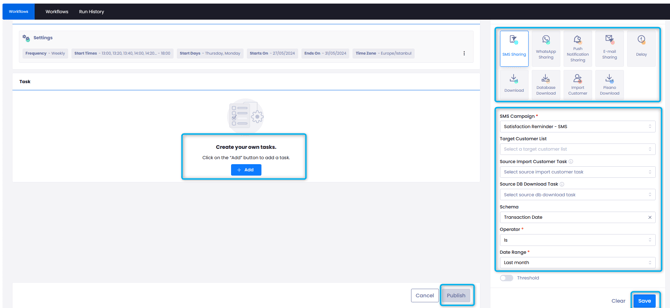
- You can save your second task and click the publish button to finish up.
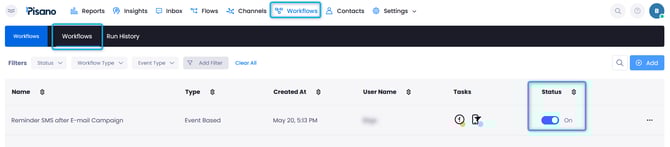
After creating your Workflow, make sure its Status is active on the Workflows page.
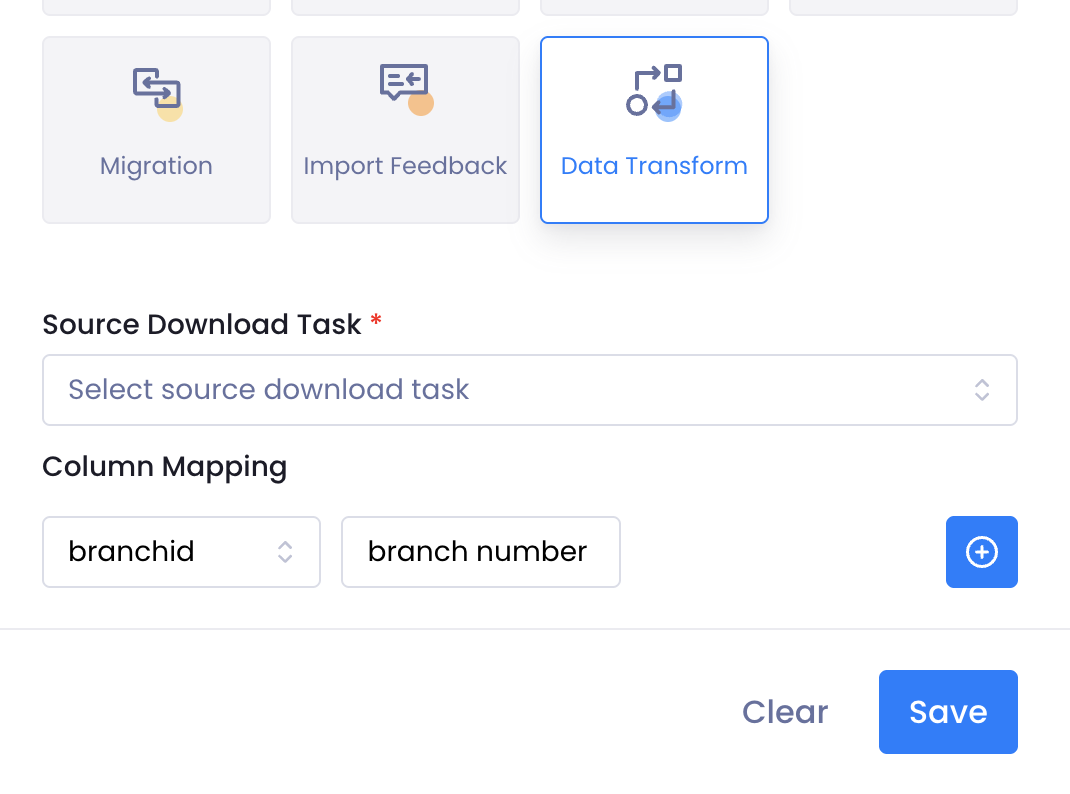
The Data Transform task allows you to map the columns in files to Pisano schema fields before import.
Access Path:
Workflow → Time Based → Data Transform
How It Works
-
The file downloaded via the download tasks in the workflow is used as the source.
-
The Data Transform task renames columns based on the defined mappings.
-
Fields that are not mapped are kept as-is.
-
The file is imported into the system using the existing import mechanism.
-
It is sufficient to define only the columns that require transformation.
-
You do not need to redefine columns that already have the same names as the schema fields.
You can refer to our interactive video below for a detailed demonstration.