As soon as feedback is received, the system automatically evaluates the feedback read time, response time to customer, an internal note left from the team and the feedback archive time. If the necessary actions on feedback have not been taken within the time frame set, the system automatically escalates it to the next responsible team member.
Pisano enables you to...
- Escalate customer issues faster and prevent your customer from churning
- Track the team's reaction time, customer service levels and performance
- Make sure there are no experience gaps throughout the customer journey.
How to set escalation rules?
To add an escalation, you will need Admin user access.
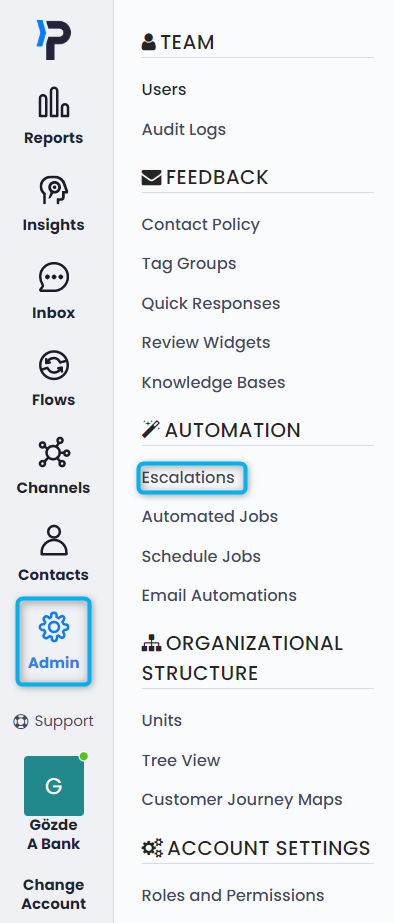
On the left panel, click on Admin. Then, on the left side, click on the Escalations.
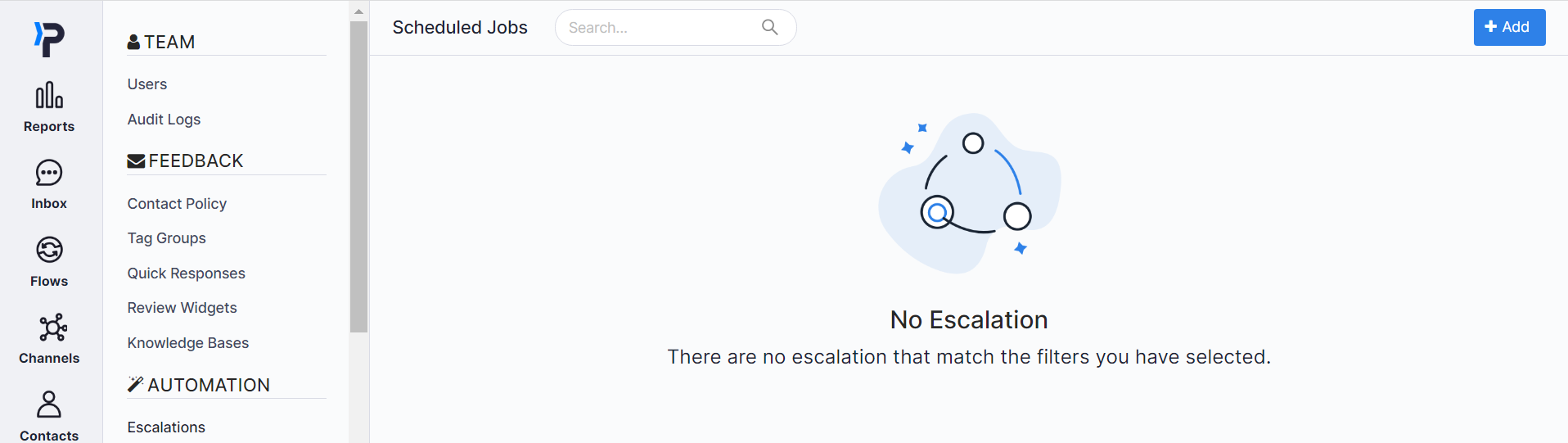
On the upper right corner, click on the +Add button.
On the new page, determine the Escalation Name, Channel and Flow.
In Escalation Details, you can select the action that needs to be taken before the feedback is escalated.
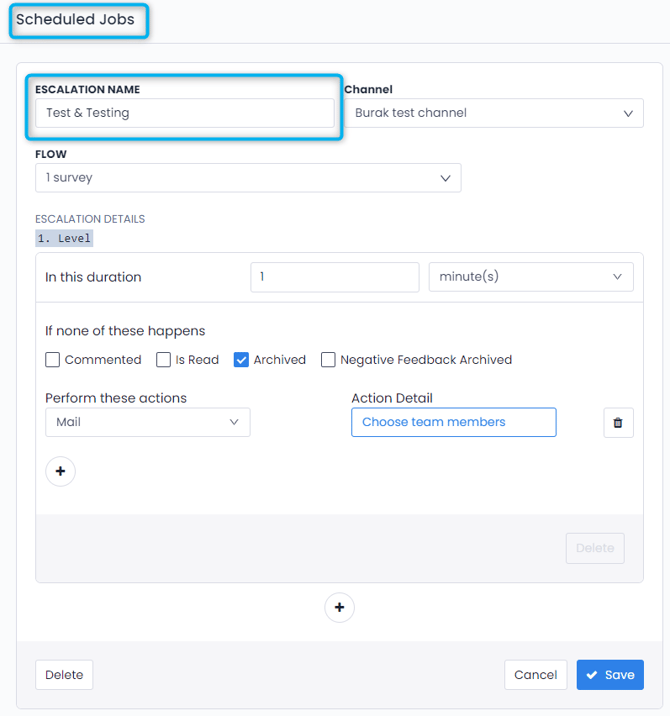
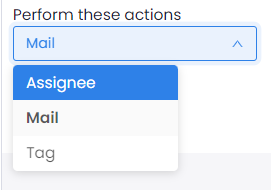
As the last step, determine how you would like to escalate the feedback.
Assignee: Feedback will assign to a specific team member
Email: Feedback will be shared with the responsible employee via email
Tag: Feedback will be labelled with a specific tag