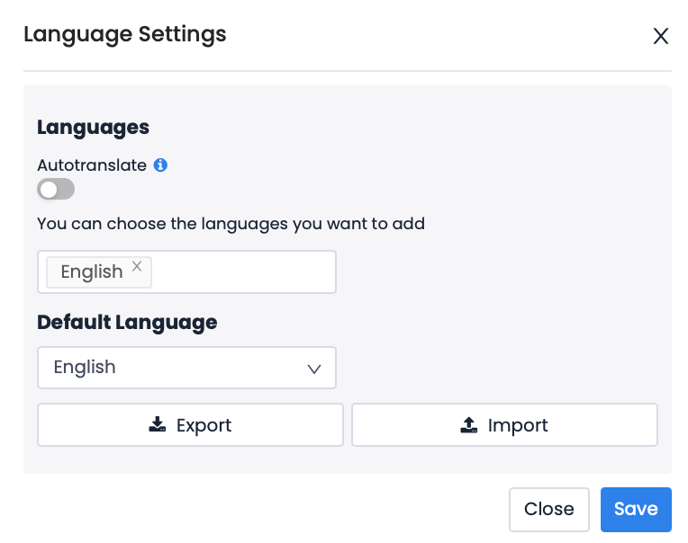
Pisano supports survey creation in over 50 languages. After defining the survey in the default language, you can add additional languages and optionally initiate the translation process. Pisano integrates with Google Translate API to automate the translation of survey content, including questions and other text elements. The translations in the flow are done by sending requests to the Google Translate service. You have the option to review and modify the translated text to ensure accuracy and context. These modifications can be done manually through the platform or in bulk using the platform’s export/import functions, providing flexibility in managing and refining translations.
Key Features:
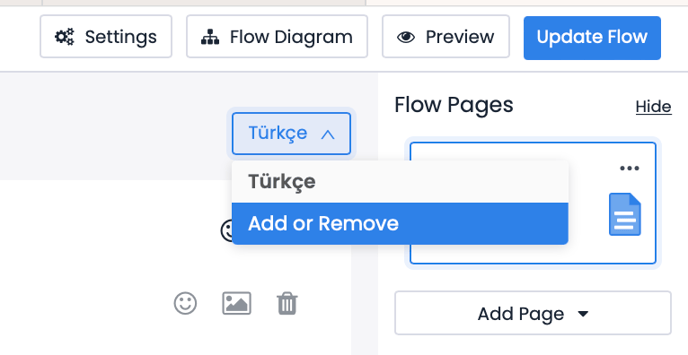
- When a new language is added, questions are automatically translated into the selected language. If you want to add a new language to your flow, you need to save the flow after adding the language and then refresh the page.
- Automatic translation is disabled by default but can be activated if desired.
- To ensure the accuracy of translations, automatic translations are presented with a warning message requiring you to review them.
- First, you will open the auto translate function, then add the desired languages and click the save button. Then you will need to update the flow and exit and log in again.
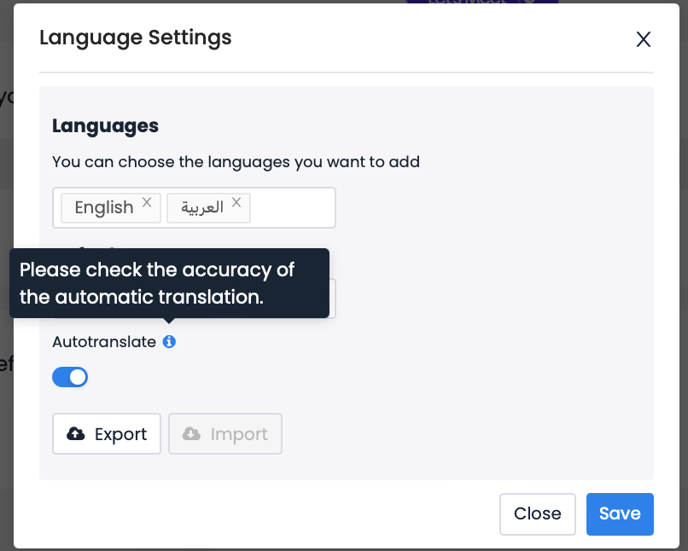
The export function allows you to export the questions in the flow in all languages as a CSV file. When you open the file, you can see the question keys, option keys, and the titles of the questions. This way, you can verify how the questions in the flow have been translated into different languages.
The import function allows you to import any additions you've made in your file into your flow.