
Solid Gauge Chart is used when a single value needs to be shown on a predefined scale. In other words, it serves to measure the rate of change against predefined targets.
For example, when you measure an NPS score on the Solid Gauge Chart, you will see where the data you choose places against the maximum possible score.
- Select Solid Gauge Chart from Visualize.
- Select NPS from Measure.
- Select the number format you wish to use from Customize.

- From Filters add Flows and then select the flow you wish to show on your chart.

- Click Create Widget and your widget should appear in your report as below.
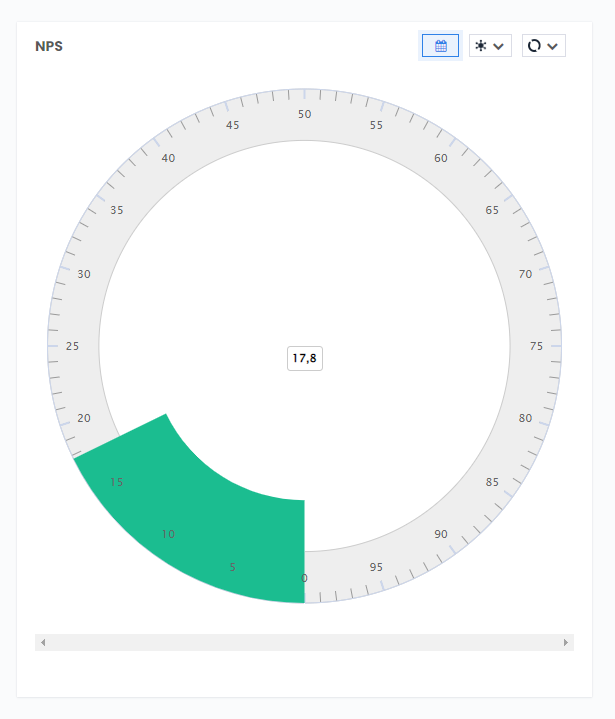
You can see in the above example that the selected flow scored 17,8 out of a possible 100,0 NPS score.