
If a customer has left their email information in their feedback or if you are using Pisano's live chat feature, you can continue communications using the feedback screen.
Using the Quick Responses function will make this job easier for you.
- To start using Quick Responses, first go to Settings > Feedback > Quick Responses menu.
- Click the Create button in the upper right corner.

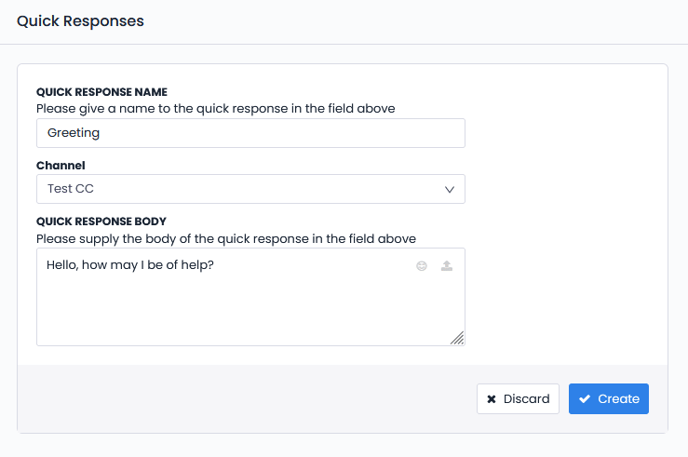
- In the tab that opens, set the Quick Respose title, its content and the flow where it will be used. Click the Create button.
- The Quick Respose you have created will appear on the main page. Here, you can edit or delete any quick response at any time. You can add as many Quick Responses as you want.

- Your Quick Responses will appear in the lower right corner of the "Respond to Customer" box in the Feedback module.
