To generate reports of this analysis type, you need to enter continent, country, and city information into the areas designated for them within the hierarchy you've established in your account.
- Visualize > Map
- Measure > NPS
- Compare > World by Continents

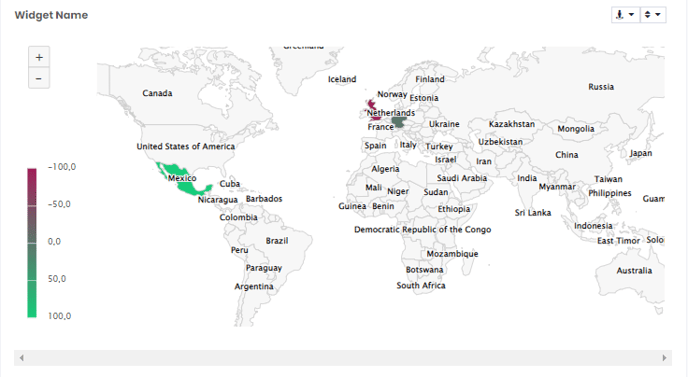
In the example below you can see the continental distribution:

And by choosing
Compare > World by countries
you can see the country distribution.