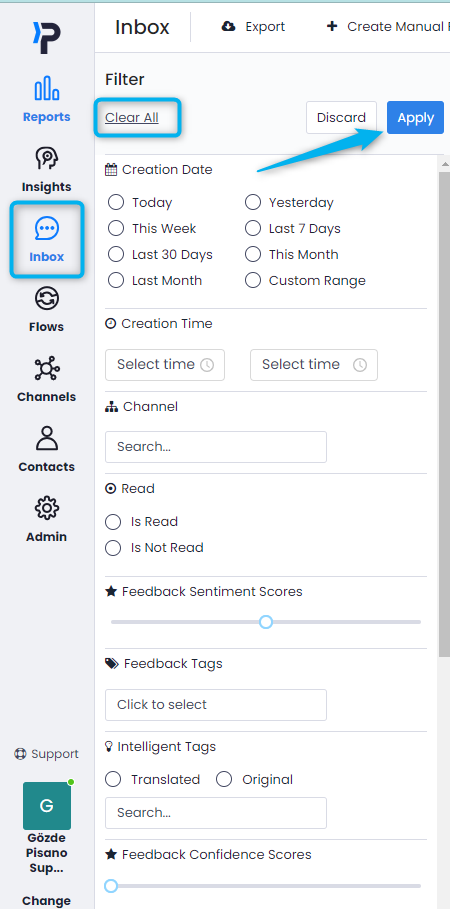
After clearing everything, we can start filtering.
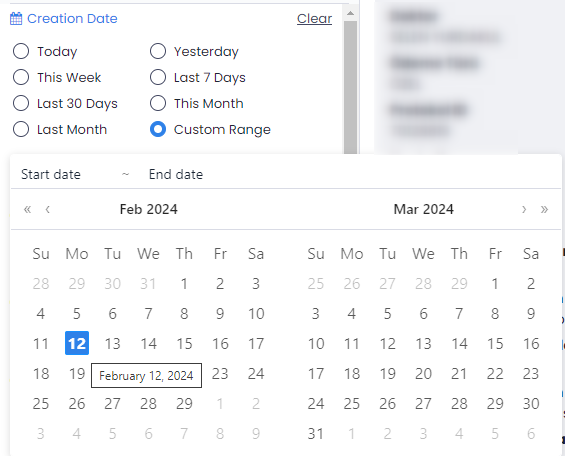
With the date filter option, we can view feedback received within specific intervals.
Using the custom interval option, you can select the date range you desire.
We are selecting the relevant channel from the channel filter.
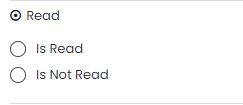
Read: It's a feature used for chatbots. We can filter based on whether the feedback has been read by the relevant person (assigned person) or not.
If there is a specific tag we want to filter from the tags section, we select it here.
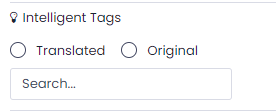
The smart tags section is generated by artificial intelligence and translates feedback into your language, regardless of the language in which the feedback was left. For example, if feedback is left in English, the smart tags will be displayed in Turkish if you are using the platform in Turkish. This filter is used to limit smart tags.
The assigned users filter allows you to filter feedback based on the users to whom the feedback has been assigned.
The relevant flow is selected from the flow filter.
You can filter the language in which the flow's responses are provided using the language filter.
For example, if a flow is presented in two different languages (Turkish and English), you can filter responses to show only those given in English or Turkish by selecting the language option.
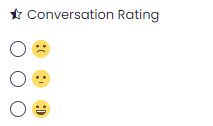
The conversation rating option is specific to users utilizing the chatbot. It enables you to filter expressions of satisfaction given after the chat.