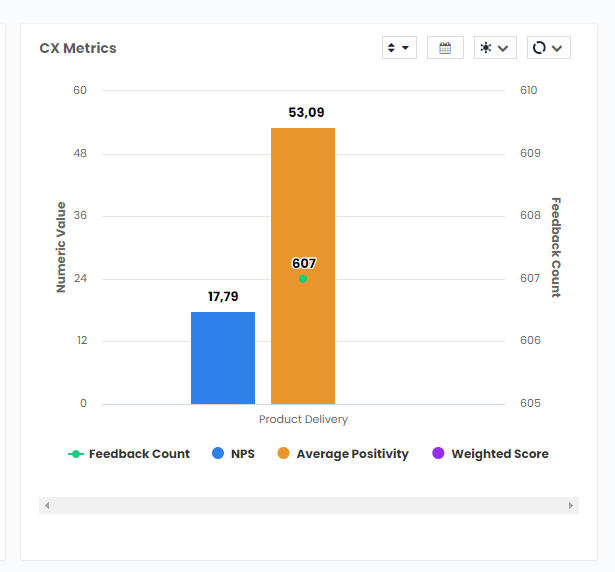
CX Metrics in Pisano, allows you to see values such as Feedback Count, NPS, CSAT, and Weighted Score all in one place. You can use this widget to see these values on a single flow or channel, or any number you wish to compare results easily.
To create a CX Metrics widget in your Reports, follow the steps below;- Select CX Metrics from Visualize.
- Select the data you wish from Compare, for this example we will choose Flow Name.
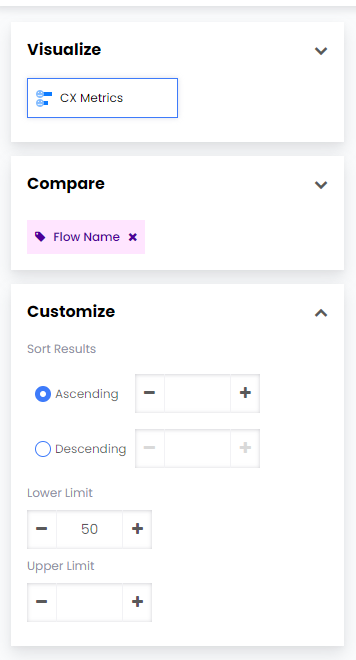
- You can decide to show your results in descending or ascending order. You can also set limits to see results only within the threshold you desire.
- Click Create Widget and your widget should appear in your report as below.