
After a customer leaves feedback, you may wish to answer them with a thank you message or a redirection.
You can give an automated, general response to your customers with an e-mail that you can define differently for each channel on the Pisano platform.
- Go to the Channels module and open the channel that you use.
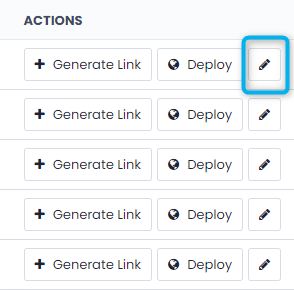
- Open the settings of your channel by clicking the pen icon on the right side of the page.
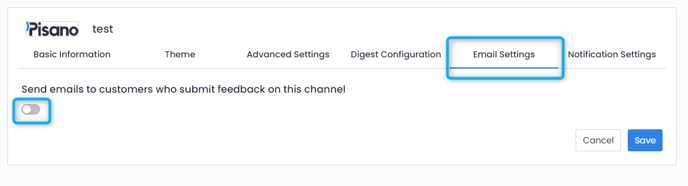
- Go to Email Settings and toggle it on.
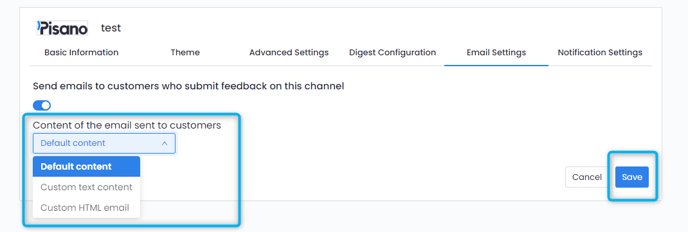
- Choose the content of the mail and save your settings.
After your confirmation, all customers who leave a feedback from this channel will receive the email you have planned.