In order to create a report theme, your user account must have the necessary access. You can manage this from the Roles and Permissions page in the Admin module.
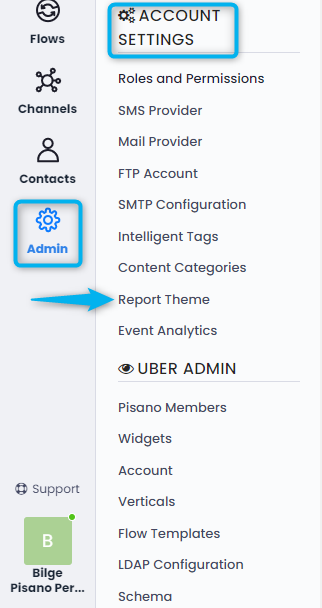
You can access the page where you can manage the report theme colors with the Report Theme button in the Settings category from the Admin module.
Then, by clicking the Add New Theme button at the top right, you can specify the theme name and define the colors you want from the panel that opens.

There are 12 color options that you can customize as you wish. The priority of their use is the same as in the list and they are used in order according to the different color needs in the reports.
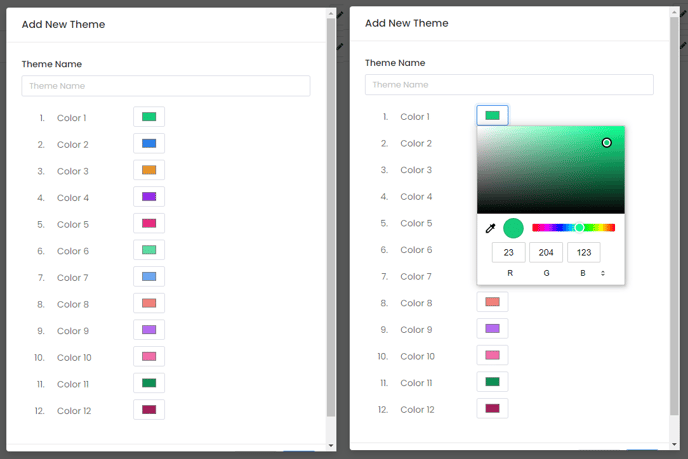 After creating a report theme, you can change its name and colors, or delete it.
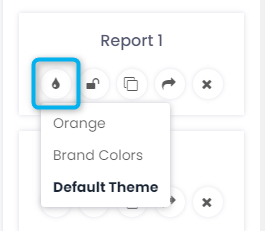
All users who have access to the Reports page can apply the created themes to their own panels by selecting them from the list on the right panel.